Overseas Google Play developer account registration, organization & listing checklist
A Play Console-first guide to overseas Google Play developer accounts: official registration fee, organization verification, closed testing questions, dual-platform boundaries, and a pre-submit checklist.

 GuGeDevApple Developer guideClosed testingPlay Console checklist@google898
Start by naming the exact step you are stuck on. The phrase overseas Google Play developer account can describe account registration, organization verification, app creation, a testing track, or a production release, and those are different Play Console pages. Before you change a setting, copy the current error text, note the timestamp, and write down the page path you are viewing. That record matters when a support agent or a colleague asks what changed. Which Play Console page is showing the blocker right now: account setup, Release overview, or a testing track?
The first financial boundary is the official registration fee. Google Play Console charges a one-time developer registration fee at sign-up;
public help pages commonly cite about 25 US dollars, and it is not an annual membership. The actual currency and amount are the ones shown on the payment page at the time you register, so do not treat a blog figure as a quote. Account type is the second boundary: personal and organization accounts follow different verification paths, and an organization account usually must complete organization identity verification before it can display the organization name and manage collaborators. Are you registering as an individual or as a legal entity, and does the name on your paperwork match the name you want shown in the store?
Searches such as buy Google Play developer account or Google Play developer account for sale usually mix two different things: the official fee paid to Google and any separate inventory or service quote. Keep them separate in writing. The official public fee is not a seller price, and any inventory quote should state account type, verification status, region, and whether an app is already associated with the account. If you need live inventory or pricing from GuGeDev, confirm it only on ;
do not assume a public blog number is stock availability. Does the quote you are reviewing clearly separate the official registration fee from the service or inventory price?
Organization accounts deserve their own check because verification is evidence-based. An organization account is tied to a company or institution, may show the organization name in the store, and can invite team members into Play Console. The documents required vary by region and entity type, and the live console checklist is the authority. Use genuine, valid documents that match the legal entity;
do not use edited or borrowed paperwork. Market slang sometimes calls an organization account without a published app a white package, but in a real conversation write the specific status, such as unlisted organization account, instead of slang. Can you produce the same legal entity documents that match the organization name and address in Play Console?
If your account is a newer personal developer account, the Release overview may show closed testing requirements before production access. Community guides often mention closed testing 12 testers for about 14 days, but the exact tester count, duration, and eligibility conditions are the ones displayed in your console. Treat 12 testers and 14 days as a common description, not a universal rule. Complete real testing with real testers and follow the official flow;
there is no compliant shortcut to skip the requirement. Does your Release overview still show a closed testing task, and what exact tester count and duration does it display today?
Work in a safe order once the account exists: owner login, Release overview, testing track, then production access. Do not jump to production while the console still lists an unfinished checklist item. For dual-platform releases, keep Google Play Console and Apple App Store Connect separate;
an overseas Google Play developer account does not cover iOS, and App Store Connect has its own program enrollment, review, and listing fields. If an APK is flagged as malicious, use the official security appeal or review channel tied to that binary instead of uploading a different file to dodge the warning. Which console actually owns the task in front of you, and is the other platform already submitted or still untouched?
Before you submit anything, run a pre-submit checklist against the live console. Confirm the correct owner account is signed in, the testing requirement is genuinely complete, the store listing identity matches the legal entity, and the app content forms, privacy policy, data safety answers, screenshots, and contact details are consistent with the binary you will submit. Save the error text and timestamp from any earlier failure so you can compare before and after. If you use listing help, write down which steps the helper performs and which steps remain owner responsibilities. Does every listing field match the legal entity and the exact app binary you intend to send to review?
After any change, reopen the same console pages and verify the live status instead of trusting a one-time success toast. Refresh Release overview, check the testing track, and look for the specific status line that proves the requirement cleared. Requirements vary by region, entity type, and account history, so the live console checklist wins over any blog post, including this one. GuGeDev can help with application checklists and listing steps, but official public fees remain separate from inventory or service quotes;
live stock and pricing are confirmed only on . After the change, which live status line proves the step is complete, and does it still match the checklist you saved?
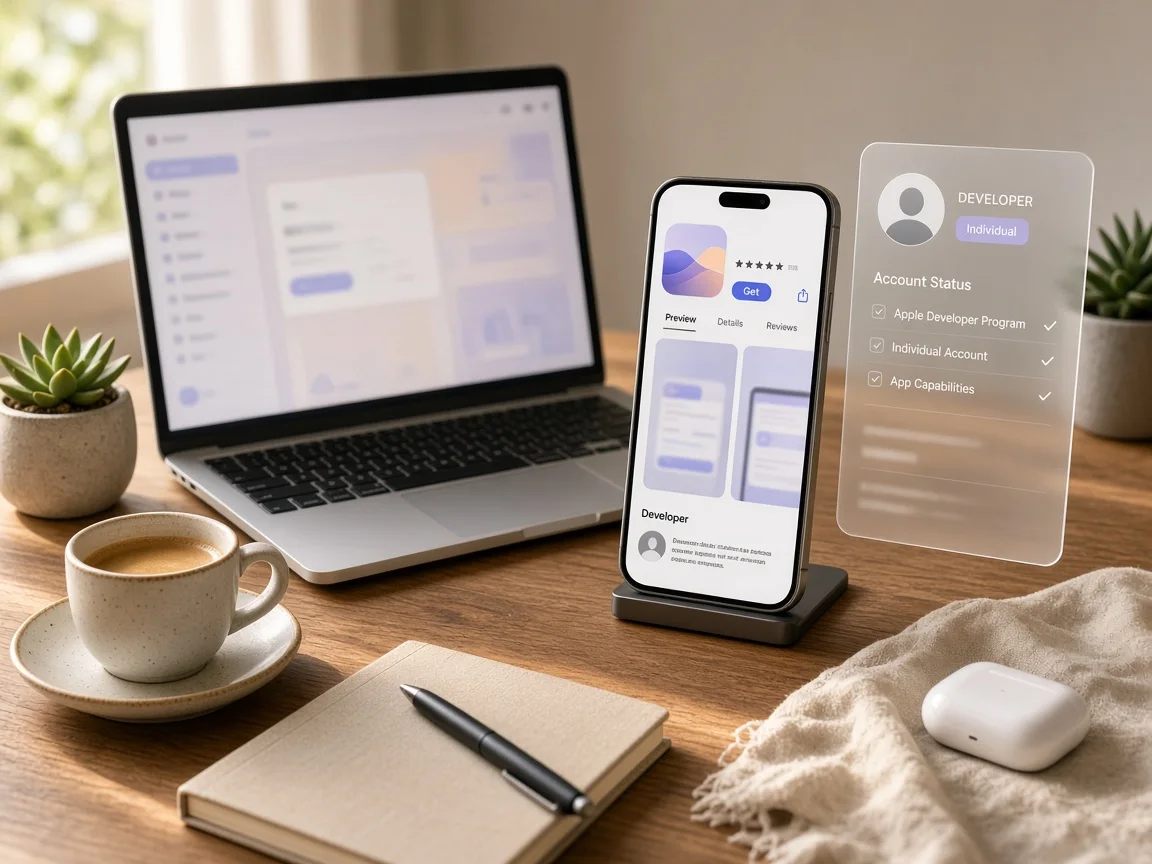
相关苹果规格



相关文章
 GuGeDevApple Developer guideClosed testingPlay Console checklist@google898
A practical guide to choosing, verifying, and preparing a ready Google Play developer account for a Google Play and App Store Connect launch. It separates Google’s official one-time registration fee from service quotes and covers account ty
GuGeDevApple Developer guideClosed testingPlay Console checklist@google898A practical checklist for choosing personal or organization registration, completing closed testing todos, preparing App Store Connect, and handling APK scanner warnings without skipping console requirements.
GuGeDevApple Developer guideClosed testingPlay Console checklist@google898A practical Play Console-first guide to closed testing, personal and organization accounts, delegated publishing, APK virus warnings, and a complete pre-submit checklist for Google Play and the Apple App Store. @google898